Obtaining Your System's Information

The TAA Productivity Tools are priced by software tier and i5 System release level. The software tier is based on the i5 System model and feature code. The following instructions will enable you to obtain this information for your i5 System.

i5 System Release Level

To obtain the i5 System version/release level that you are running, (for example, V5R4M0), enter the command:

     GO LICPGM

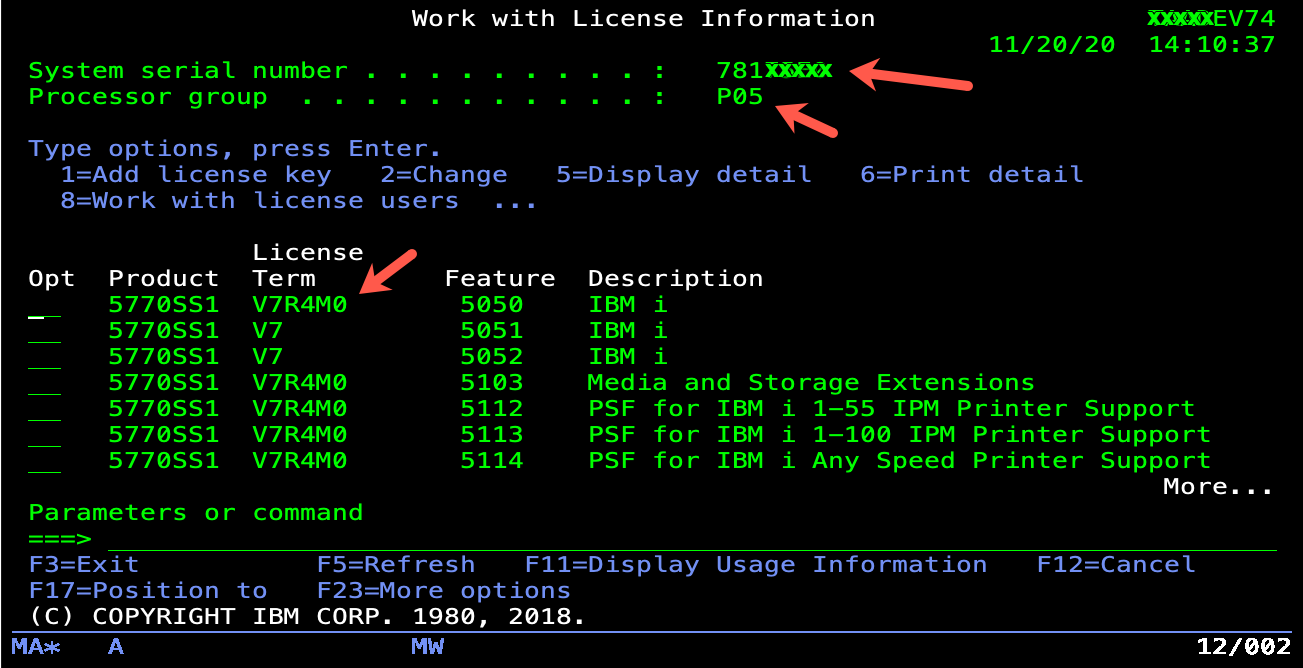
Take Option 10 and then press F11. You will obtain a screen like the following:

The installed version, release, and modification level is shown of your i5 System.

i5 System Model Number

The "model number" is determined by entering the following command on a command line:
     DSPSYSVAL QMODEL 

Note: Examples of valid model numbers are 800, 520, 890, etc.  Do not use 9402, 9404, or 9406, as these are machine types.

AS/400 Feature Code

To determine the "processor feature code", enter the following command:
     DSPSYSVAL QPRCFEAT 

AS/i5 System Serial Number

When ordering the TAA Productivity Tools, the serial number of your i5 System is also requested, and is required before a permanent key is issued.

The "serial number" is determined by entering the following command on a command line:

     DSPSYSVAL QSRLNBR  


Home Page

Powered by AS/400Powered by AS/400 © 1995, 2006 - Jim Sloan, Inc.